How Trace Health Finds What Triggers and Relieves Your Symptoms
Trace Health looks for patterns in your own diary, on your iPhone, and gives them back as clear, simple insights. It is careful about what it tells you, because a coincidence should not become a trigger.
Quick answer
You log your symptoms and your daily activities, such as sleep, food, stress, exercise or medication. Trace Health then looks at what happens to each symptom in the hours and days after each activity, and compares that with how the symptom usually behaves on its own.
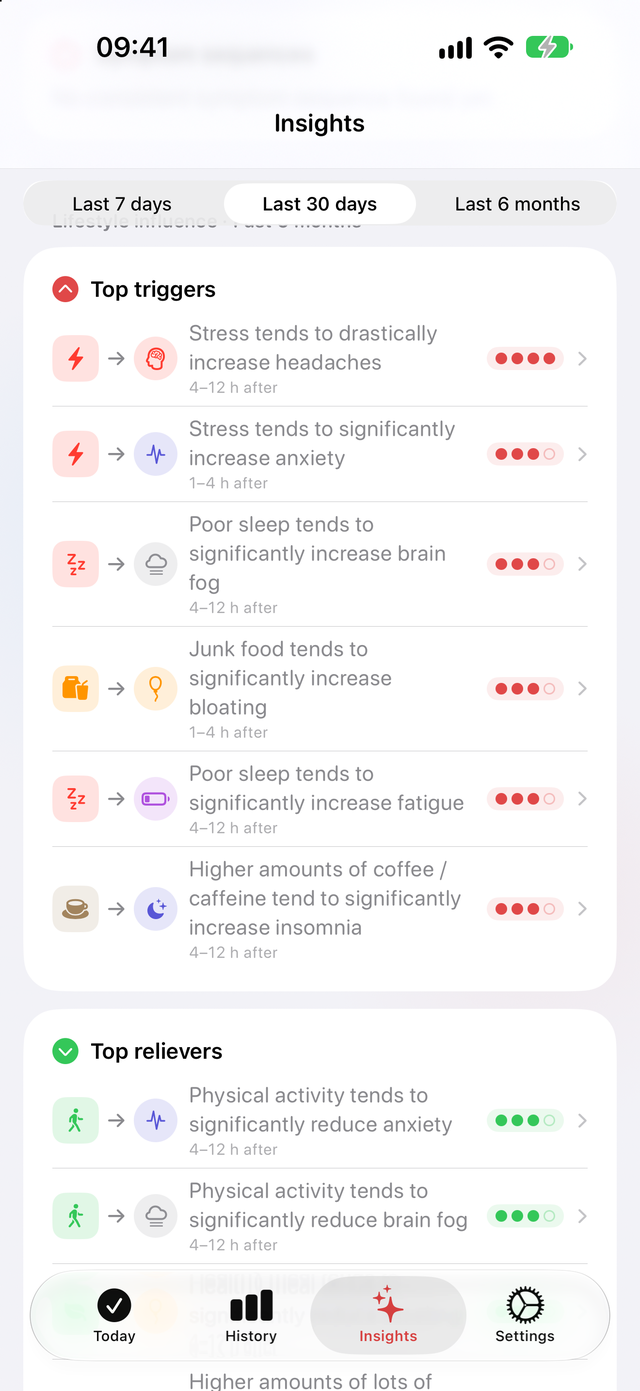
If a symptom gets worse after an activity more often than it would anyway, that activity becomes a trigger. If it gets better more often than it would anyway, it becomes a reliever. Finding triggers is free; relievers are part of Premium.
How it works
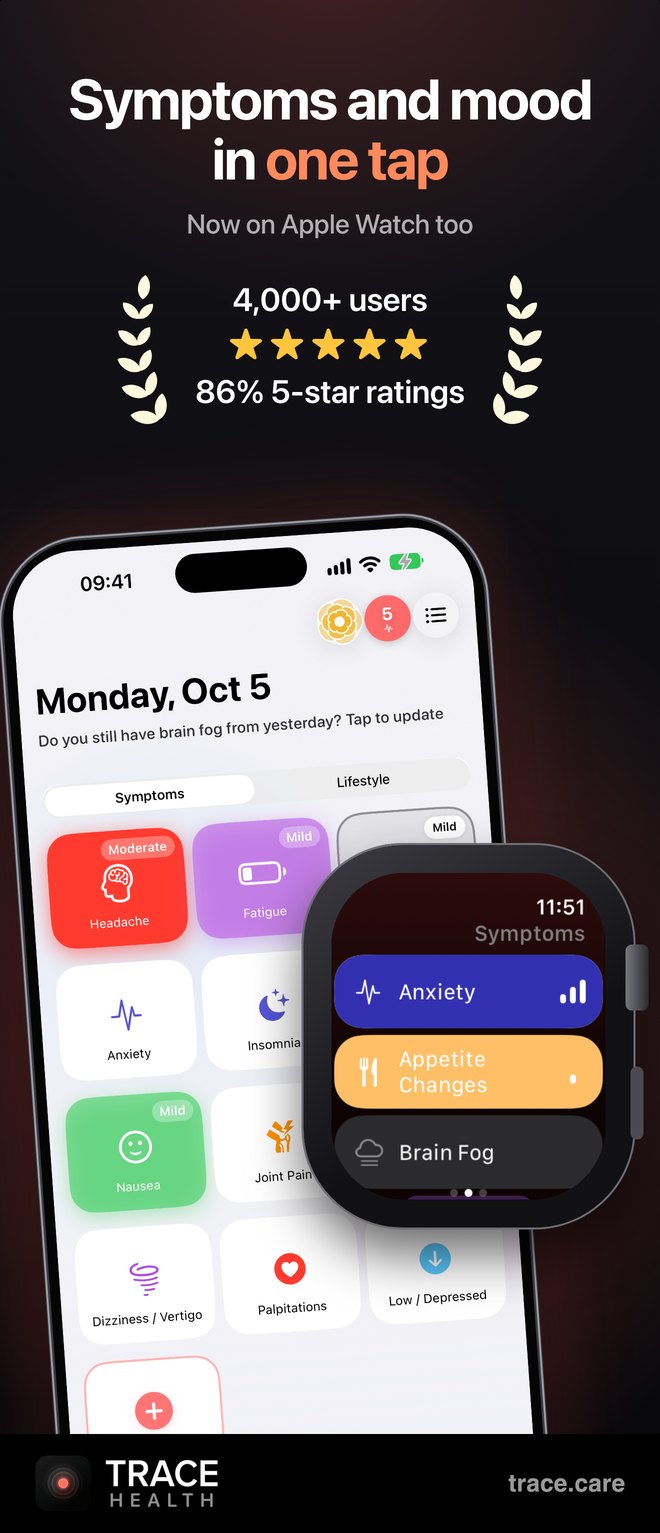
- You log. One tap when a symptom starts, changes or goes, and one tap for your daily activities.
- Trace Health compares. It looks at what your symptoms do after each activity, and at what they do the rest of the time.
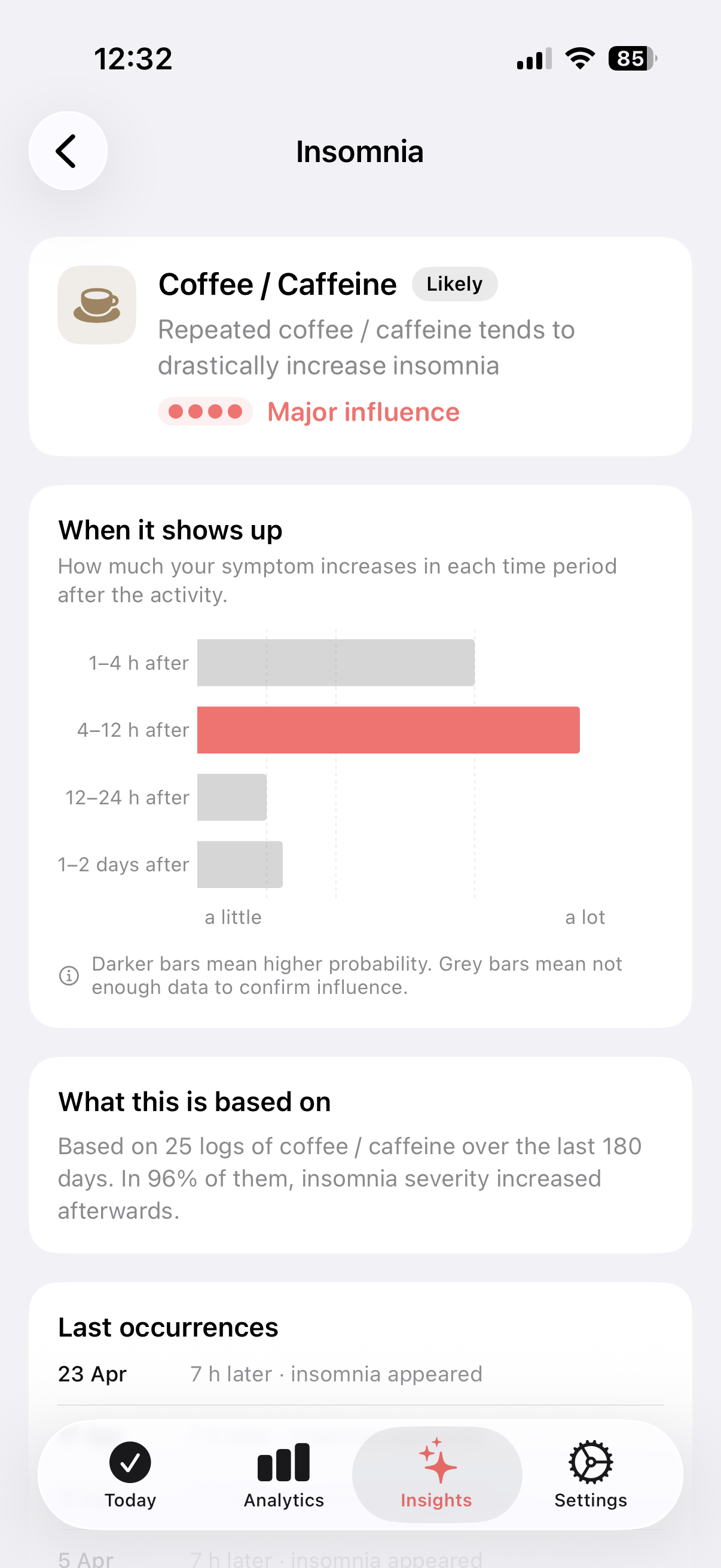
- You get a clear answer. Your top triggers and relievers appear for each symptom, with when the effect tends to show up.
Why it does not jump to conclusions
- It compares with your own normal. Symptoms come and go by themselves. A headache that fades the next day does not prove that your walk helped.
- It needs repetition. One bad night before a flare proves nothing. A link only appears once it has shown up many times.
- Gaps are not good news. If you stop logging a symptom, that is never counted as an improvement.
- One moment counts once. Tapping an activity several times in one sitting does not make the evidence look stronger.
- It tells you how sure it is. Each link is marked Likely or Possibly, so you know how much weight to give it.
Made on your iPhone
The analysis runs on your iPhone. Your diary is not uploaded to work out your triggers.
What it cannot tell you
A pattern is not proof of a cause. Trace Health shows what tends to happen in your own diary; it does not diagnose, and it is only as good as what you log. The most useful next step is to talk it over with your doctor, and a PDF report makes that easier.
Frequently asked questions
How can an app find what triggers my symptoms?
By comparing what your symptoms do after each activity you log with how they usually behave on their own. Trace Health does this on your iPhone, from your own diary, and shows a trigger only when the link has appeared many times.
How long before I see my triggers?
It depends on how often you log. An activity has to happen many times before a link can appear, so expect a few weeks of regular logging.
Why is nothing showing yet?
Either there is not enough in your diary yet, or there is no clear pattern. Trace Health would rather show nothing than show you a coincidence.
What should I log to find my triggers?
Log your symptoms when they start, change or go, and the activities you suspect, such as sleep, food, stress, exercise or medication.
Is finding triggers free?
Yes. Finding your triggers is free. Finding your relievers is part of Premium.
Does a trigger mean that activity causes my symptom?
Not necessarily. It means your symptom tends to get worse after that activity in your own diary. Your doctor can help you work out what it means for you.
Find out what affects your symptoms. One tap to log, no account. Free to track your symptoms.